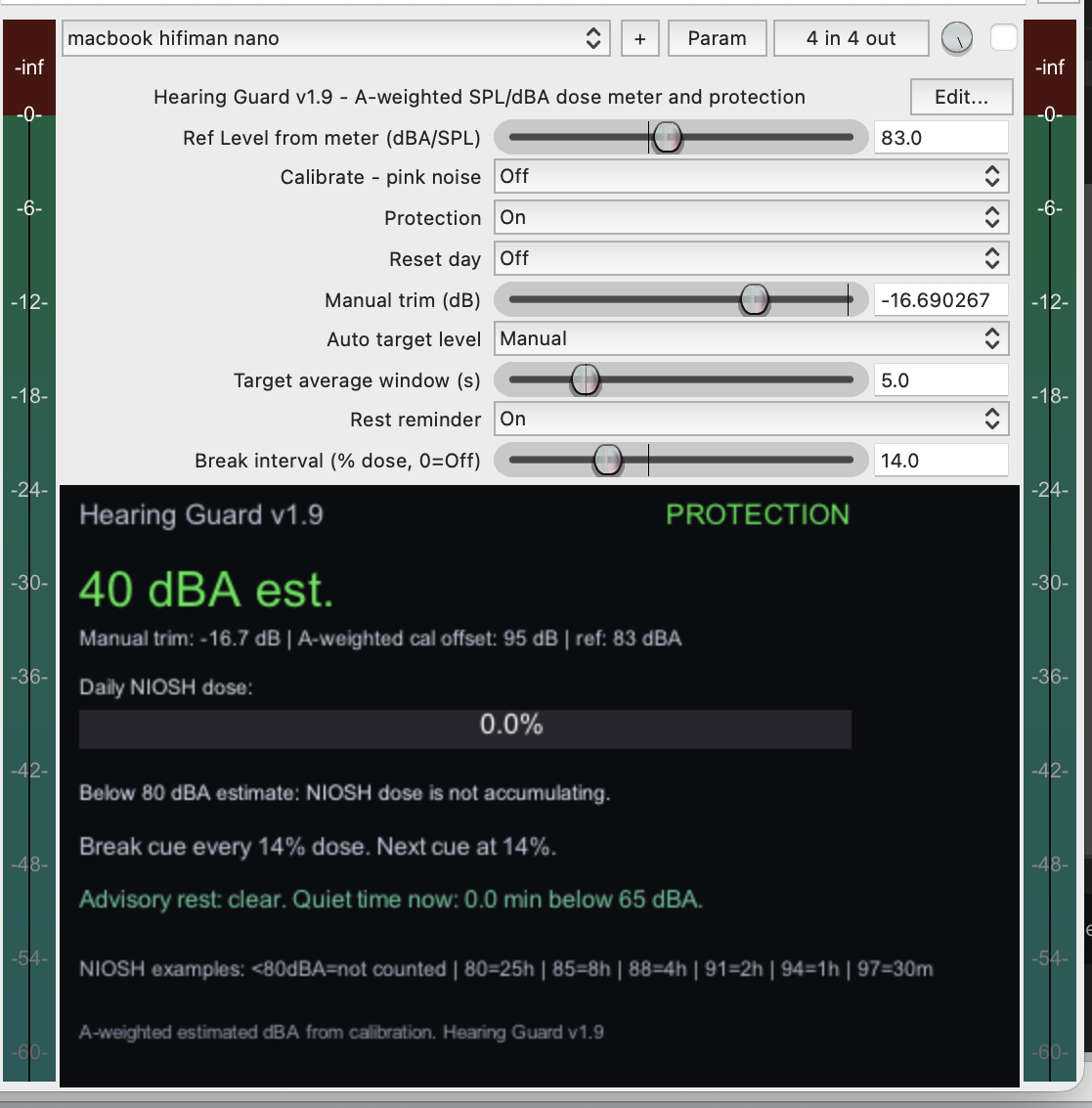
Hearing Guard
A-weighted dBA meter with NIOSH-style daily dose tracking, calibration, break cues, and protection fade.
Three JSFX plugins for safer and more comfortable headphone listening in REAPER: A-weighted dose metering, loudness contour, and headphone crossfeed.
The idea is simple: mix on headphones only as long and as loud as needed. Hearing Guard keeps an eye on estimated level and daily dose, Headphone Crossfeed makes headphones behave a little more like speakers, and Loudness Contour helps compensate for how our ears experience low and high frequencies at different listening levels.
A-weighted dBA meter with NIOSH-style daily dose tracking, calibration, break cues, and protection fade.
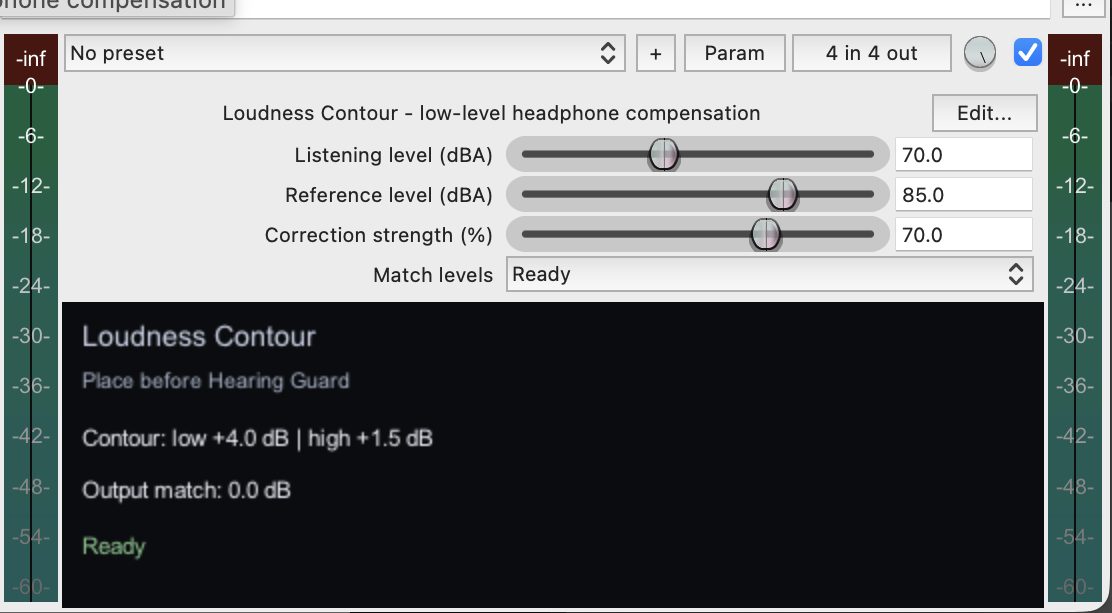
Subtle low/high contour for lower-level listening, with an automatic level match action.
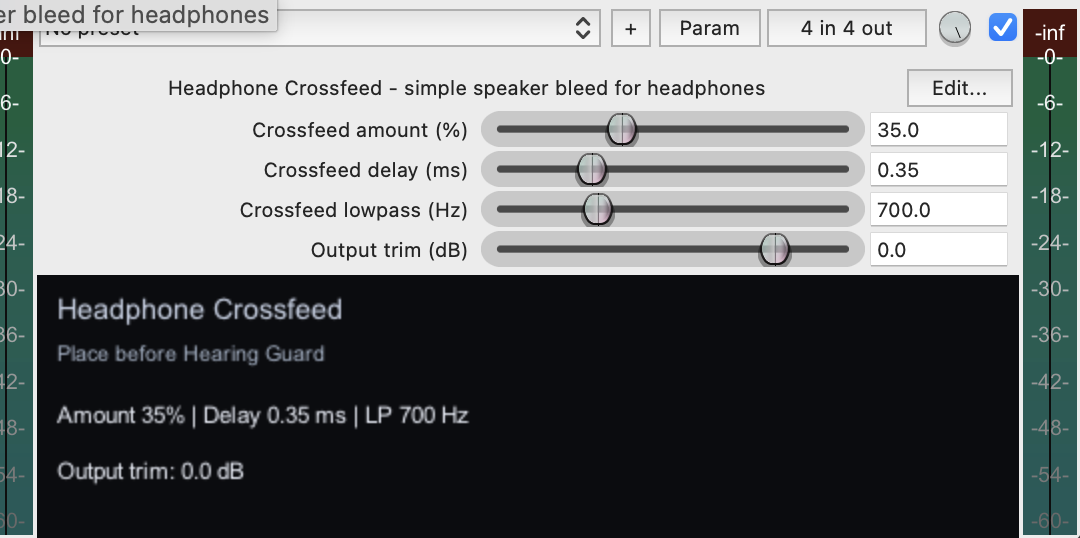
Simple crossfeed that softens hard left/right separation on headphones.
Loudness Contour
-> Headphone Crossfeed
-> Hearing Guard
Copy the three files from the plugins folder into your REAPER Effects folder. In REAPER, you can find it via Options > Show REAPER resource path in explorer/finder.