Nov 13, 2026
HT Spectral Spacer — Make space where two sounds overlap.
Article
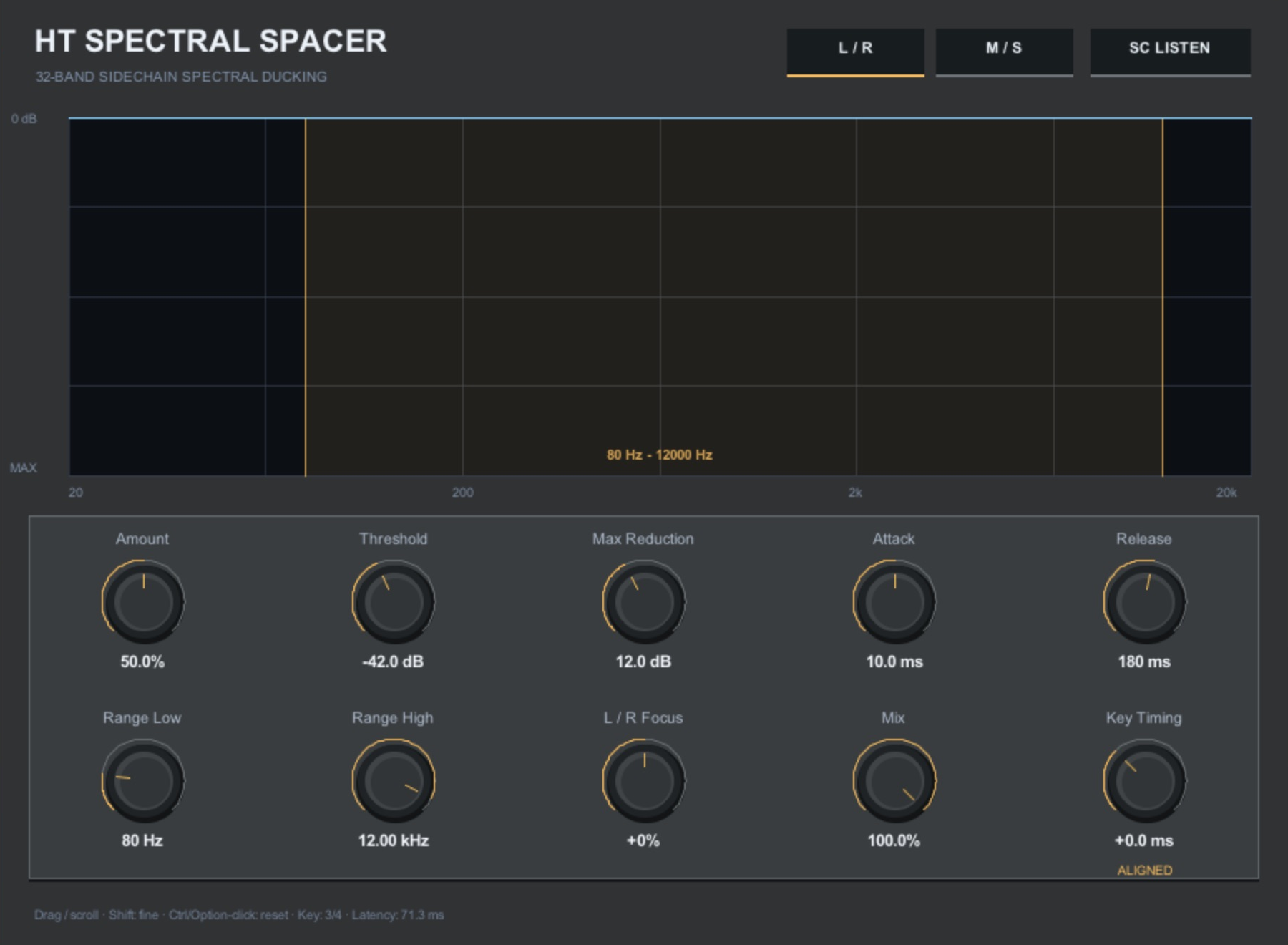
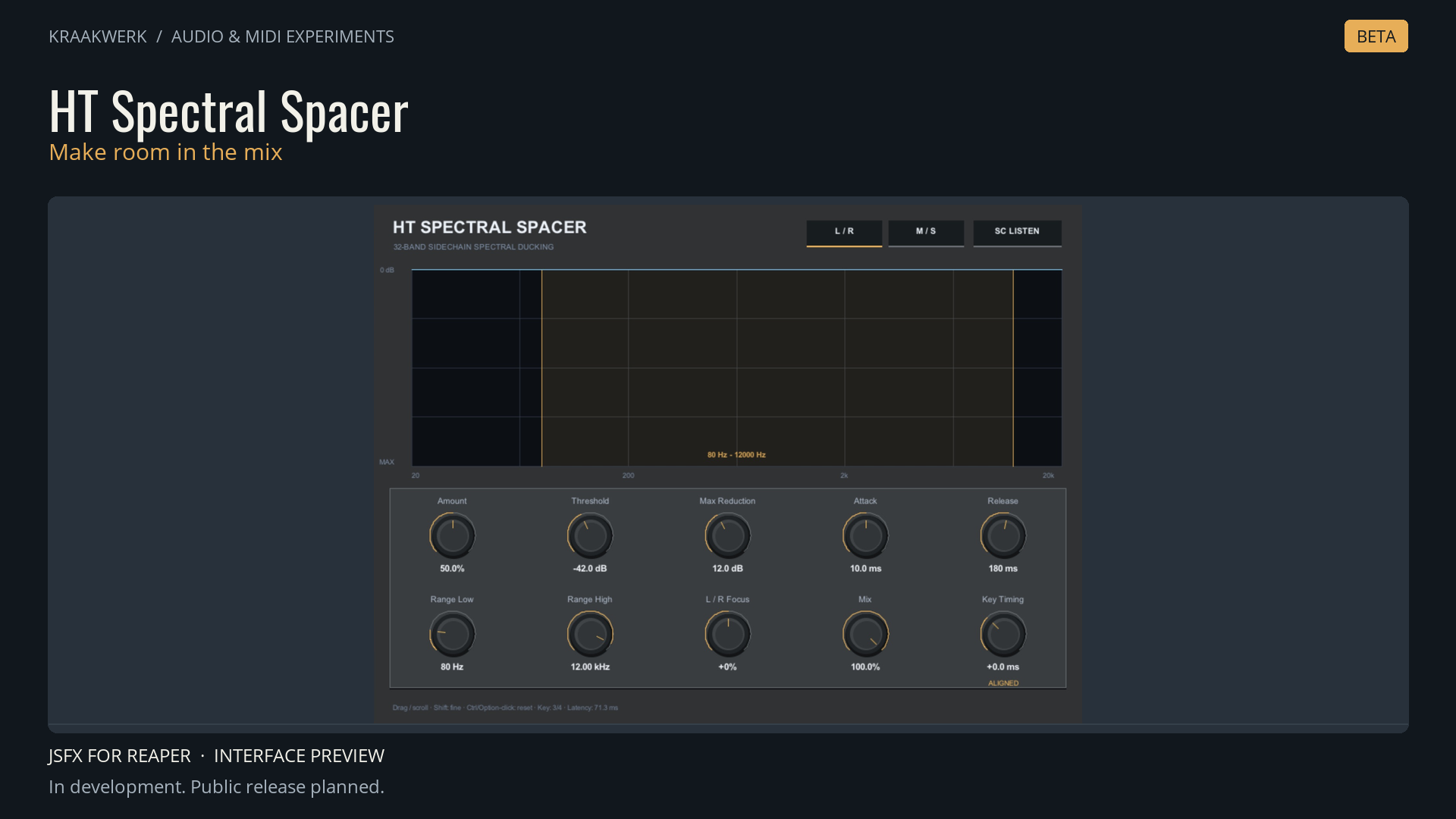
A vocal can need more space without the entire accompaniment needing to become quieter. HT Spectral Spacer explores that idea through frequency-selective sidechain ducking inside REAPER.
A priority signal enters channels 3/4. The plugin analyses it in 32 logarithmic bands and reduces corresponding regions in the main signal on channels 1/2. Attack, release, threshold and maximum reduction determine how much space is created and how quickly it recovers.
Under the hood, a 1024-point FFT and overlapping windows turn sidechain information into a smoothed gain curve. Frequency limits restrict the working range, while stereo and Mid/Side modes let you focus the processing. Key Timing adds lookahead or a delayed response.
The starting point is the spectral-sidechain workflow associated with tools such as Wavesfactory Trackspacer. This is an independent implementation with its own code and interface. I wanted direct control over the useful details of that workflow in a JSFX tool.
Try a vocal feeding the sidechain of a guitar or music bus, then listen to how little reduction is needed. The processor reports its delay to REAPER for compensation; it is intended primarily for mixing.
I’m developing this collection in REAPER’s JSFX format with the help of Codex and ChatGPT. JSFX lets me develop audio and MIDI tools directly inside REAPER and inspect their source. My aim is to make these tools usable wherever I use REAPER: Windows, macOS and Linux. Cross-platform testing and any helper-app requirements will be documented per plugin. This is a beta preview. Features, interface and sound may change. A public release is planned; there is no announced release date yet.